
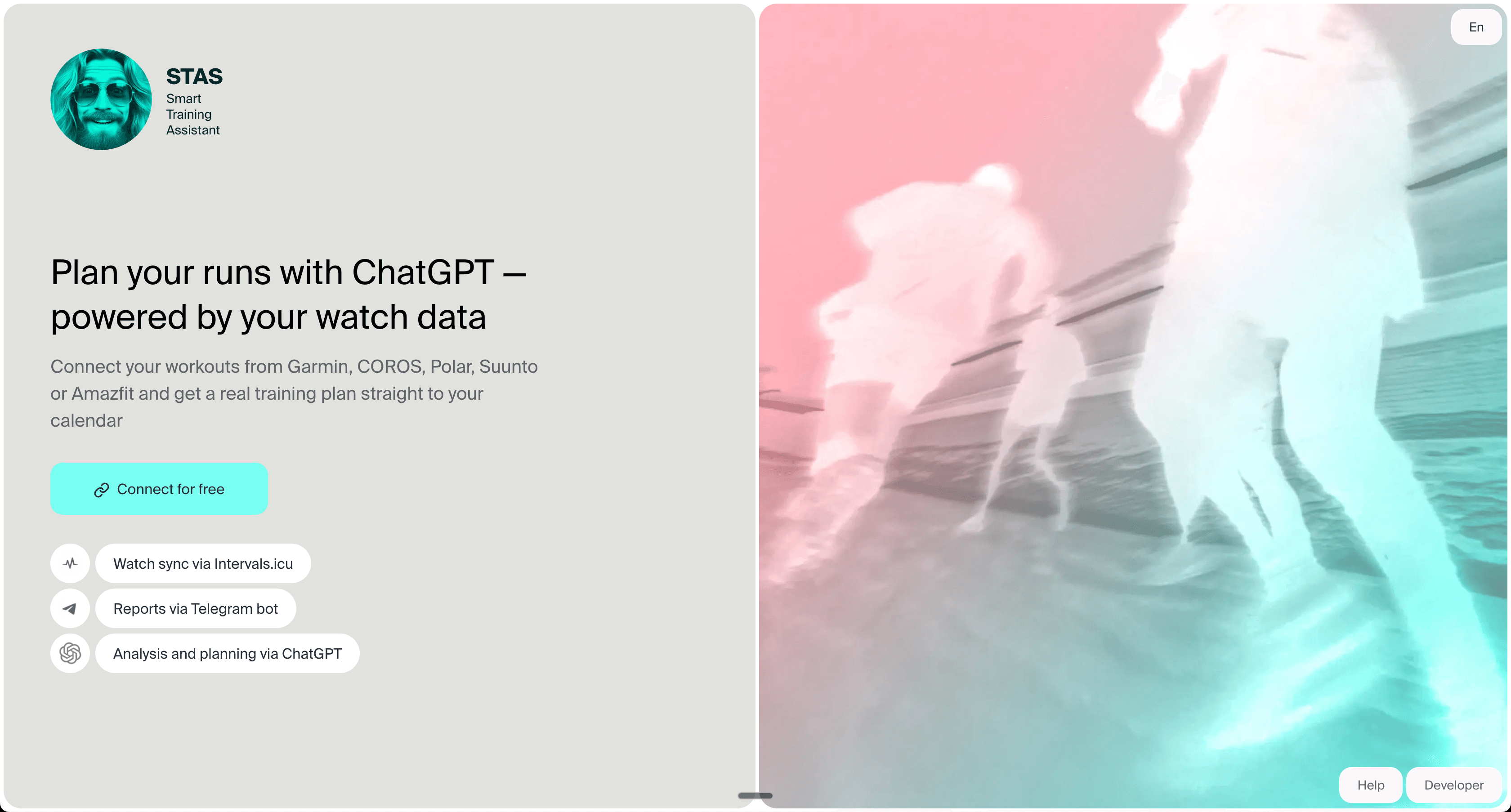
Simple product context
STAS keeps the product simple: connect your data, then review training context with AI.
Source asset: Promotion/images/home.png.
Intervals.icu + AI coach
Intervals.icu has the history. STAS turns that history into coaching context for ChatGPT or Claude, so you can ask what to do today, what changed this week, and what to adjust before the next workout.
Connect Intervals.icuSee example questionsIntervals.icu stores the data. STAS makes that data usable in an AI conversation, so the output is a practical training decision instead of another dashboard to interpret.
STAS sits between your training history and the AI assistant. You do not need to become a data analyst to ask a plain-language question.
Garmin, COROS, Polar, Suunto, Huawei, Amazfit, Apple Watch, and other sources sync workouts first.
Intervals.icu keeps the calendar, history, zones, fitness, fatigue, form, and planned work.
STAS prepares the coaching context and explains which data matters for the question.
You ask normal questions and review the answer before changing your plan.
The job is not to generate a generic plan. The job is to turn your current Intervals.icu state into a safer next decision.
Ask whether today's hard workout still fits your fatigue, form, and recent hard days.
See whether the week felt harder because of load, missed recovery, stacked intensity, or changing fitness.
Use the live calendar before deciding what to skip, move, or keep.
Review the last block, current freshness, and what should matter most before race day.
Use questions like these when you want a decision from your own training context, not a lecture about training theory.
A useful answer checks recent hard sessions, fatigue, form, and the next workouts before suggesting whether to keep, shorten, or move the session.
STAS can point to rising load, poor recovery signals when available, unusual intensity, or a mismatch between the calendar and recent history.
The answer should translate the trend into plain English and say what decision it affects this week.
The answer should protect the goal of the week without stacking too much work into the next few days.
The answer should connect recent training, current freshness, and the next key sessions instead of inventing a new plan.
STAS prepares only the context that helps the coaching question. The point is clarity, not dumping raw data into AI.
Sport type, duration, distance, pace, heart rate, load, intervals, and workout classification.
Fitness, fatigue, form, ramp rate, and recent changes across running, cycling, and mixed endurance weeks.
Planned workouts, training zones, race goals, personal rules, and constraints you have added to STAS.
Sleep, HRV, subjective reports, and other recovery signals when they are present in the connected data.
Screenshots are here as evidence, but the native text explains what each one proves so you do not have to read tiny image text.
STAS keeps the product simple: connect your data, then review training context with AI.
Source asset: Promotion/images/home.png.
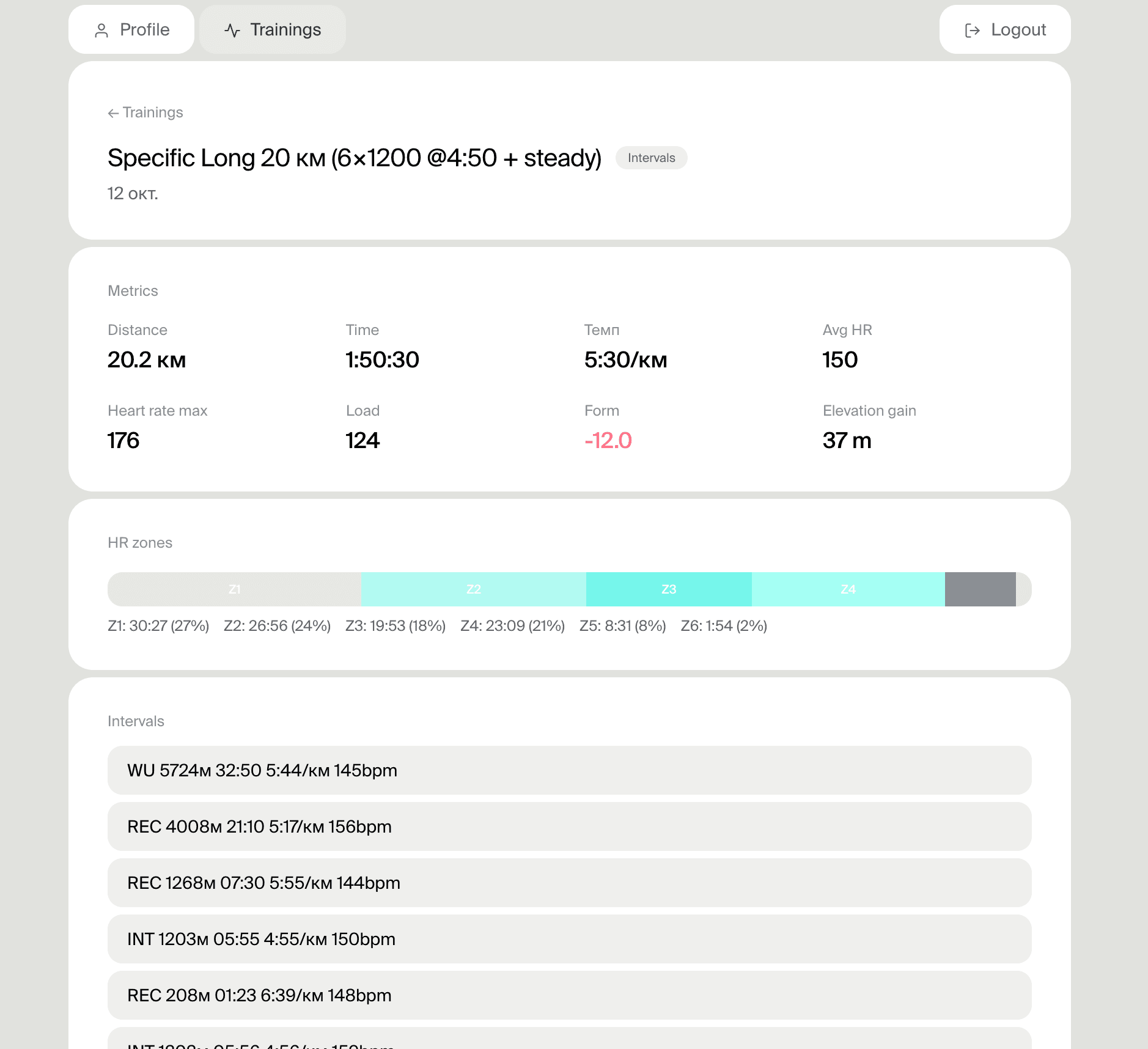
Workout details and training context become useful inputs for an AI coaching conversation.
Source asset: Promotion/images/training-detail-intervals.png.
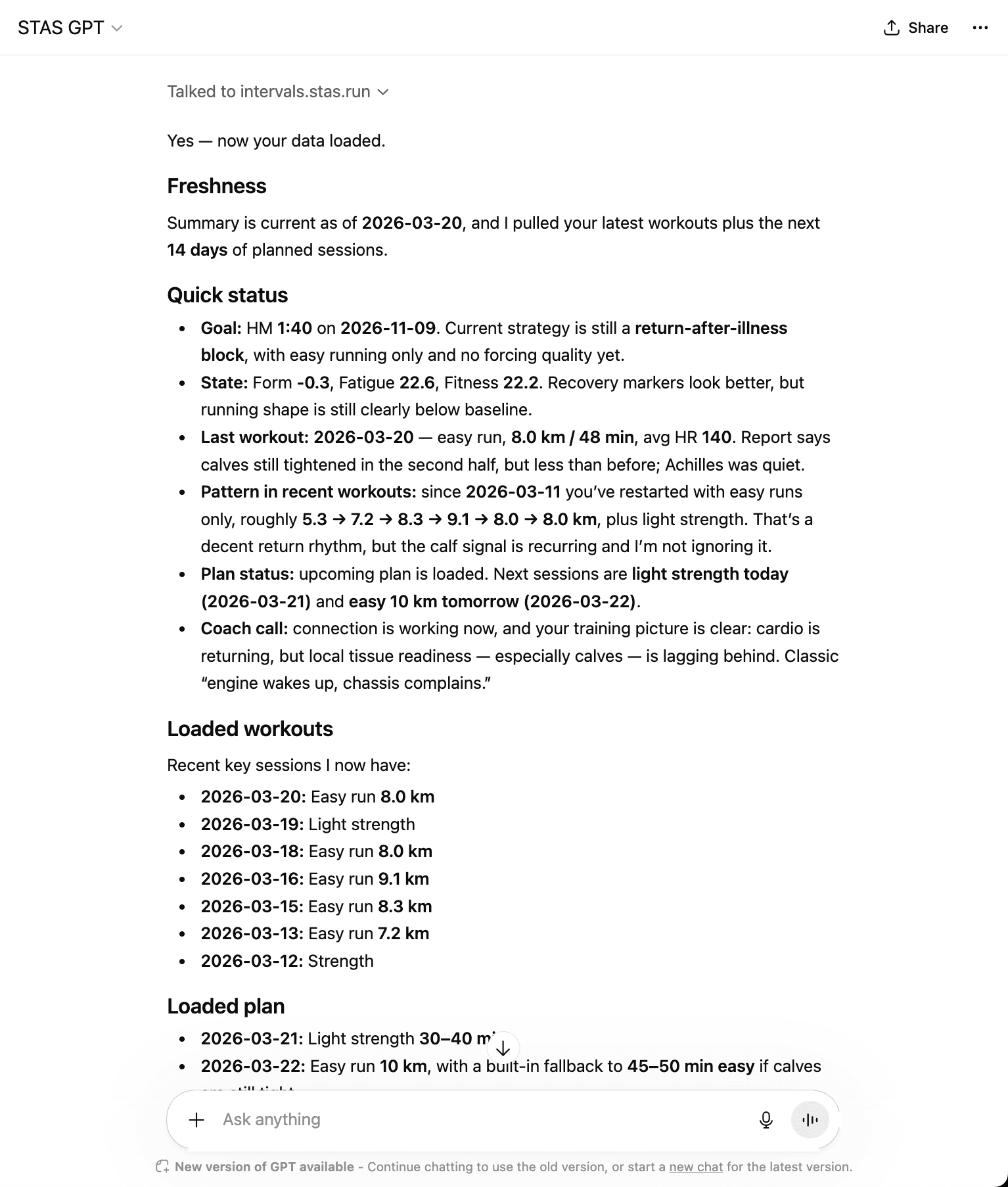
A useful AI answer starts from real training history, not a generic prompt.
Source asset: Promotion/images/gpt-conversation.png.
Your watch data should already sync into Intervals.icu. STAS uses that account as the source of training context.
Start with a review question instead of pasting screenshots or rebuilding your training history by hand.
Ask what to do today, what changed this week, or how to adapt the next workout.
Use the answer to reason through the decision. Review changes before applying them to the calendar.
Best as the training data, calendar, zones, and analysis source of truth.
Best as the conversation layer that prepares Intervals.icu context for ChatGPT or Claude.
Often convenient, but less useful when your history and calendar already live in Intervals.icu.
Your Intervals.icu data stays the source of truth. STAS prepares training context for AI, explains recommendations, and leaves final decisions and plan changes with you.
No. Intervals.icu remains the data, calendar, and analysis source. STAS adds an AI conversation layer on top.
Not by default. STAS handles the connection and prepares the training context that ChatGPT or Claude needs.
STAS can use recent workouts, load, fatigue, form, calendar, zones, goals, personal rules, and wellness signals when they are available.
Plan changes should be reviewed and confirmed before they are applied. STAS is designed to support decisions, not hide changes from you.
No. STAS is training decision support. For pain, illness, or medical concerns, use qualified professional help.
Use ChatGPT with real Intervals.icu data instead of screenshots.
Use Claude with real Intervals.icu data, not copied workout summaries.
Set up the watch-data path before asking AI for coaching decisions.
Use Intervals.icu as the calendar and workout planning layer.
Connect Zepp/Amazfit data to Intervals.icu and then use it with STAS.
Compare closed apps with ChatGPT or Claude using real watch data.
Use race results to calculate paces and connect them to training context.
Connect Intervals.icu, open STAS in ChatGPT or Claude, and start with a real review of your current training week.
Connect Intervals.icuFree setup. Intervals.icu remains your training source of truth.